Copy on location
Work with camera cards, drives and folders from your iPhone or iPad.

A smaller kit. The same care.
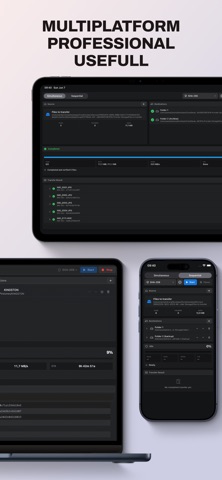
Verified copying on iPhone and iPad. Transfer camera media to multiple destinations when a mobile device fits the job.
Work with camera cards, drives and folders from your iPhone or iPad.
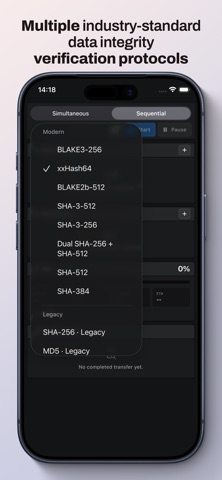
Automatic checksum verification is part of the transfer workflow.
Review a detailed transfer report after each copy.
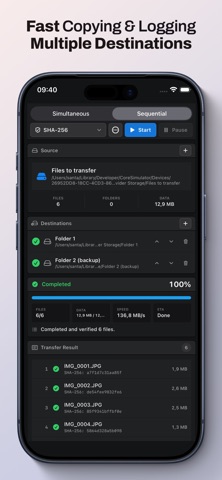
Connect the card and drive and check that both appear in Files. In Take Copy Mobile, select the source folder to see its file count and size. Add a writable folder on each destination. For a sequential transfer, arrange destinations in the order you want them written.
Keep Take Copy Mobile in the foreground. Switching to another app pauses the transfer. Return to Take Copy Mobile and tap resume to continue the same job.
The progress widget and Live Activity show transfer status. A widget may display the last saved reading until the system refreshes it.
Read workflow & requirements ↗