Multiple destinations
Create working and backup copies in the same operation.

Verified offload for Mac.
Copy camera cards, drives and folders to multiple destinations. Verify file integrity and keep a detailed record of every transfer.
Create working and backup copies in the same operation.
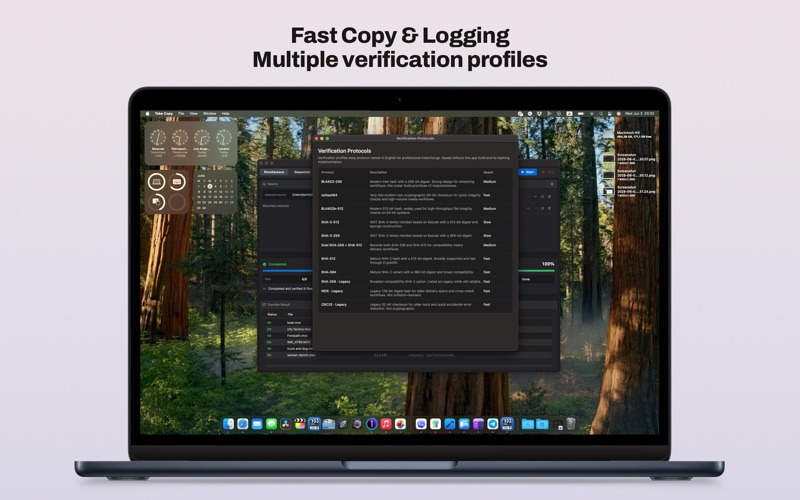
Automatically check file integrity after copying.
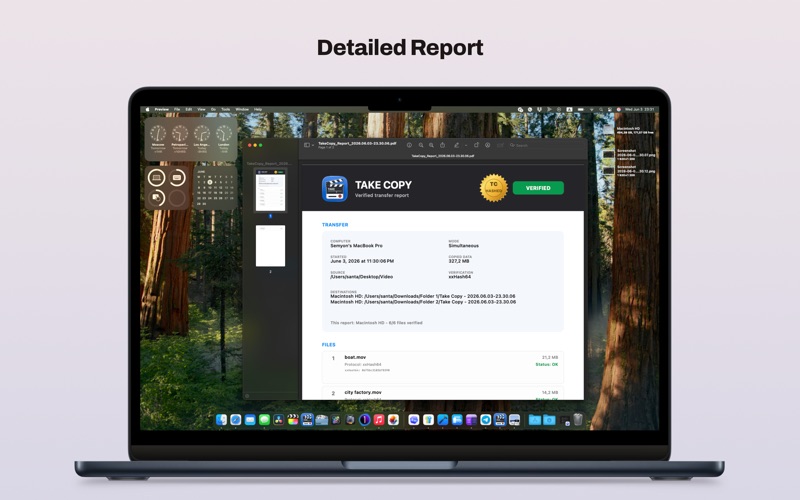
Keep a detailed report generated after each copy.
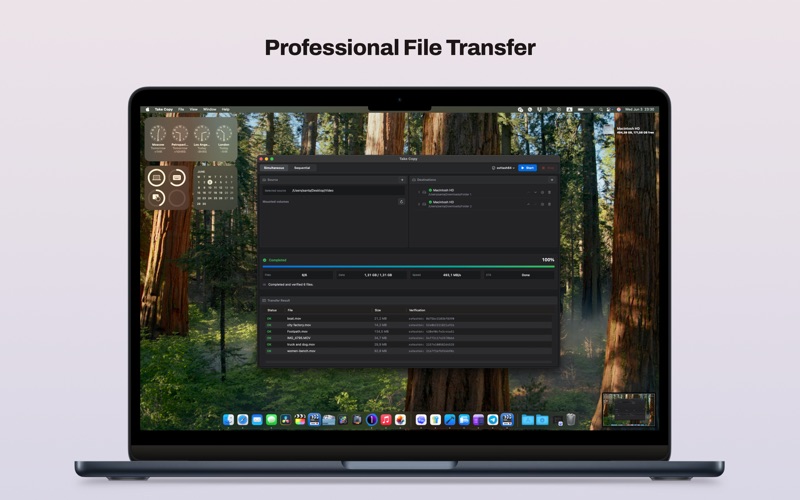
Drag the source folder and destination folders into the window, or choose them from the list of mounted volumes. For a working copy and a backup, select a folder on each SSD. Take Copy checks that the paths do not overlap the source, that each destination is writable and that enough space is available.
During the job, the Mac stays awake. You can inspect progress by destination, then review the verification result for each file.
Read workflow & requirements ↗